The Custom Keyboard That's Uniquely You
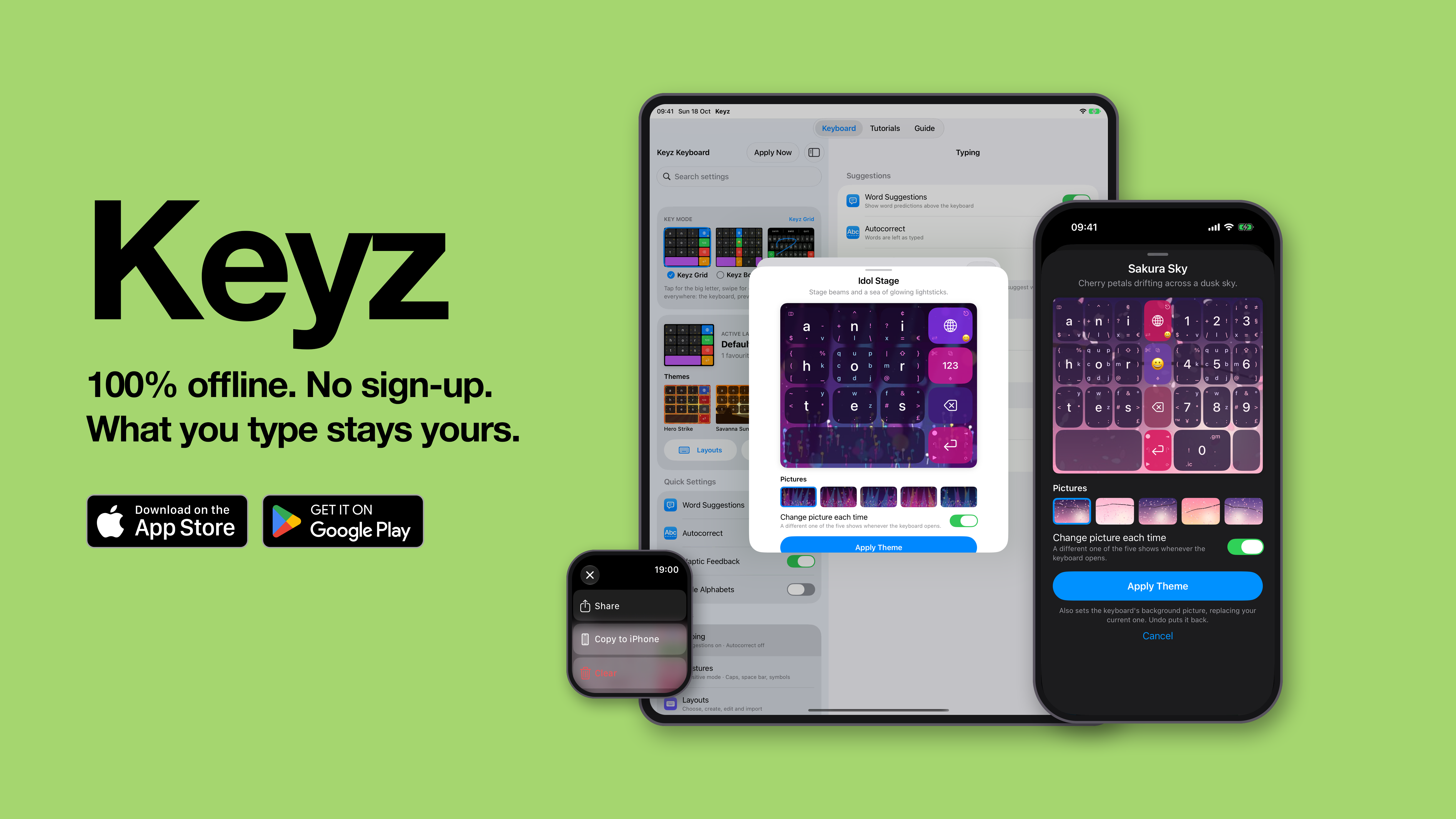
Tap for the big letter, swipe for the small ones, or glide to type a whole word. A modern MessageEase-inspired keyboard layout for iPhone, iPad, Apple Watch, Android phones, Android tablets and Wear OS.
App Store


Available now on the App Store and Google Play
iPhone · iPad · Apple Watch · Android phones · Android tablets · Wear OS
7-day free trial · 100% offline · No sign-up
See it in action
Built for the way you type
Watch it move
Tap, swipe or glide
Each key holds up to nine characters. Tap for the big letter, swipe for the small ones, or glide across Keyz Swiz to type a whole word.
Start your free trialPeople love typing on Keyz
“I can type again!”
“Chefs kiss, 10/10, bravo. THANK YOU!!!”
“Great replacement for MessageEase on ios.”
“I was quite close to giving up on MessageEase. Thank you for this”
“that's what made it click for me.”
Inspired by MessageEase, created by Dr. Saied. Reimagined for today's iPhone. Visit MessageEase
iOS and Android keyboard features
Nine keys of goodness
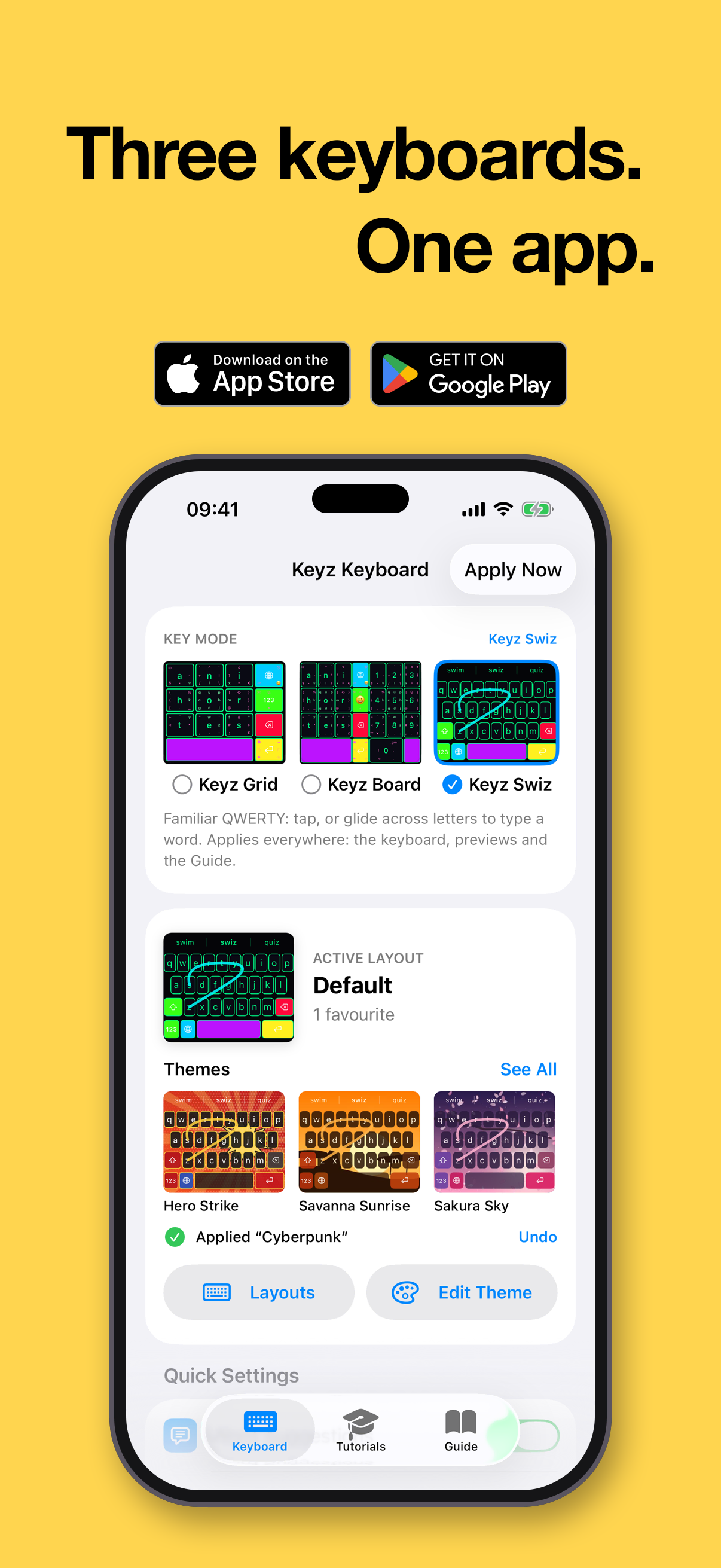
Three keyboards
Grid, Board & Swiz
Glide typing
Slide, lift, done
Four gesture modes
Including Fluid (MessagEase)
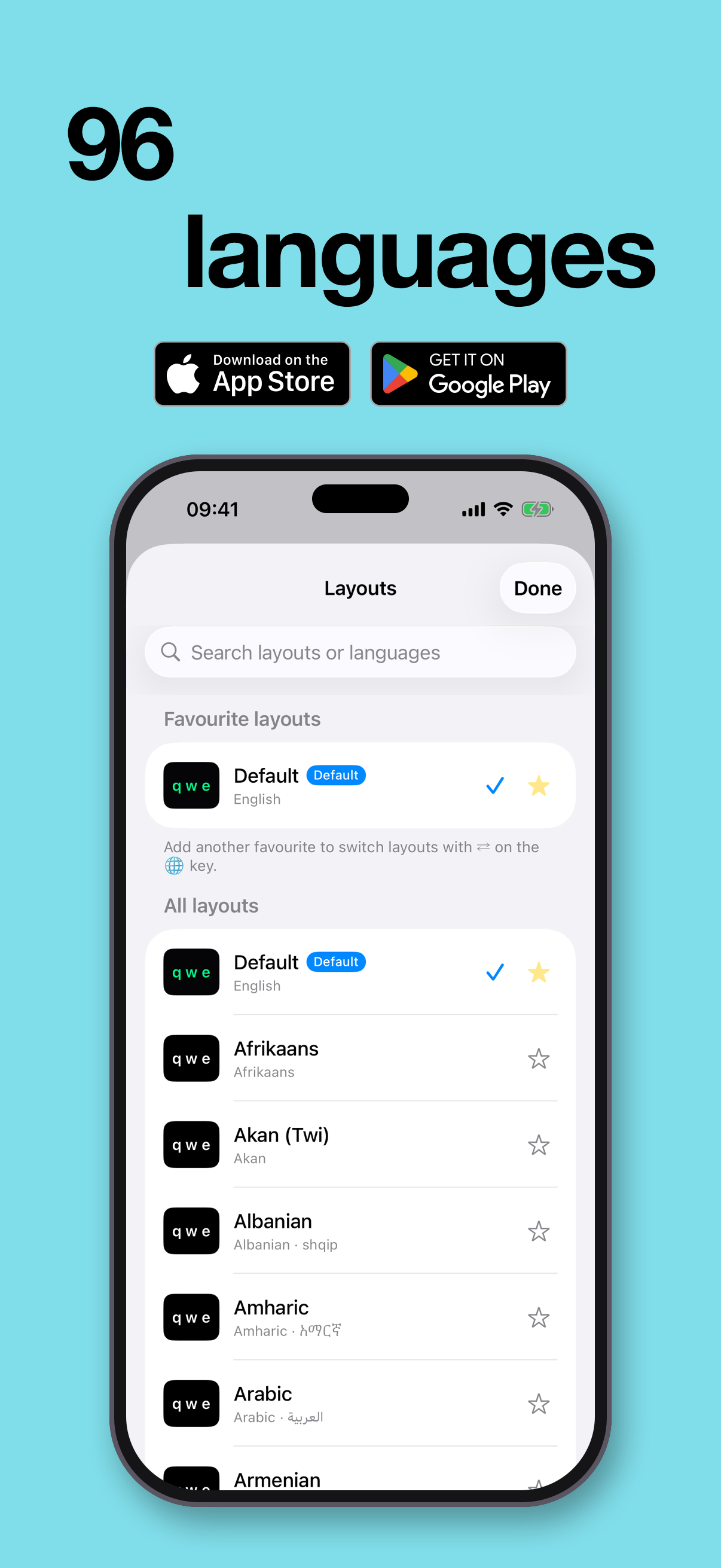
90+ languages
Plus your own layouts
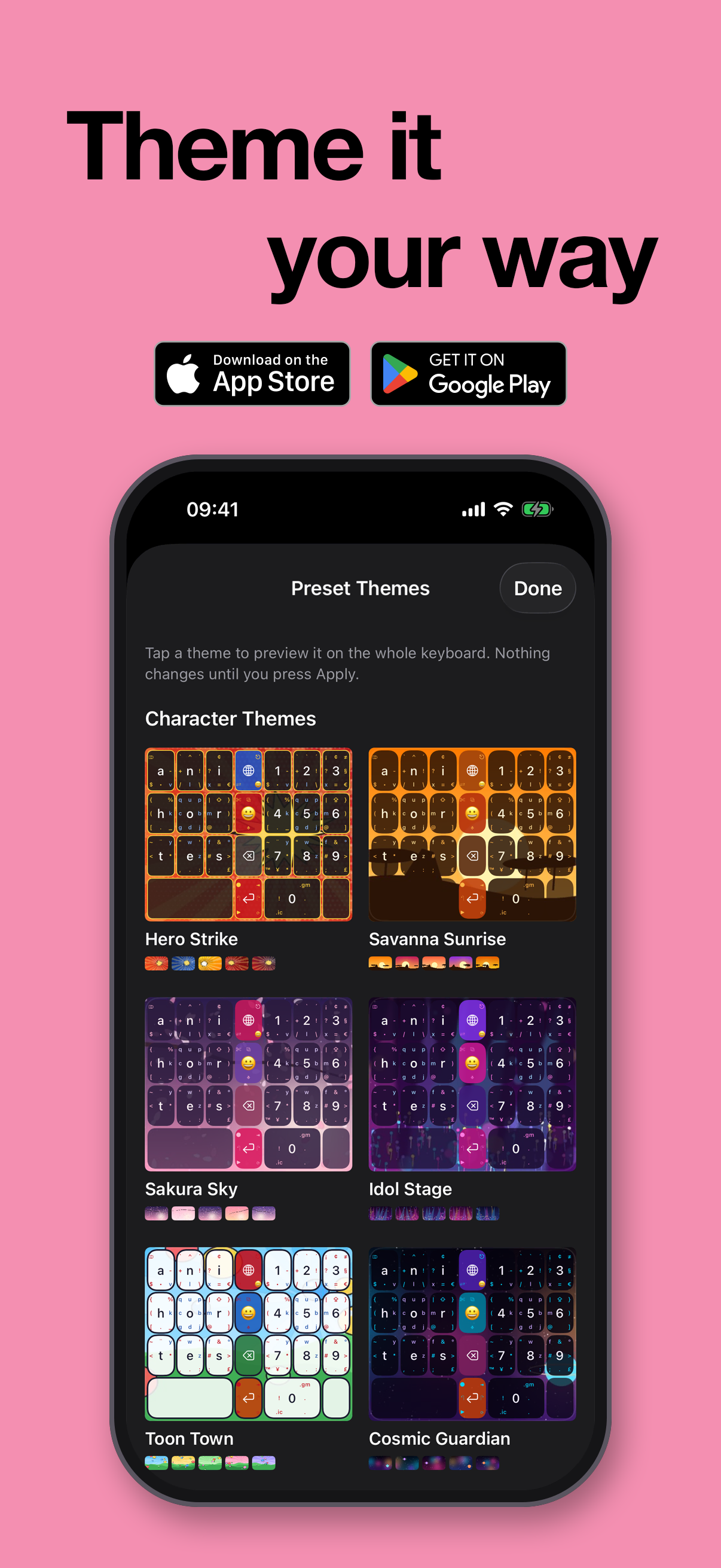
Themes that move
Ripples, pictures, tap effects
Clipboard history
100 clips, pin favourites
Macros & shortcuts
Type less, say more
Every device
iPhone, iPad, Apple Watch, Android, Android tablet & Wear OS
100% offline
No sign-up, no account
See them in 12 seconds
Ready in under a minute
- 1
Install Keyz
From the App Store
- 2
Add the keyboard
Settings › General › Keyboard
- 3
Allow Full Access
Tap Keyz, switch it on
- 4
Start typing
Hold the globe key, pick Keyz
Or browse all Keyz tutorials, from your first word to themes and macros.
Questions, answered
What is Keyz?
Keyz Keyboard is a custom keyboard app on the App Store and Google Play. It runs on iPhone, iPad, Apple Watch, Android phones, Android tablets and Wear OS watches. Each key holds up to nine characters: tap for the big letter, swipe for the small ones. It also supports swipe (glide) typing on its Keyz Swiz keyboard.
Is Keyz available on Android and Google Play?
Yes. Keyz Keyboard is available now on Google Play for Android phones, Android tablets and Wear OS watches, and on the App Store for iPhone, iPad and Apple Watch. Search "Keyz Keyboard" in either store.
Which devices does Keyz support?
All of them: iPhone, iPad and Apple Watch from the App Store, and Android phones, Android tablets and Wear OS watches from Google Play. Each device gets a keyboard sized for its screen, from big-screen Keyz Board on tablets to a round keyboard on Wear OS.
What is the best keyboard layout for a phone?
It depends on how you type. QWERTY was designed for typewriters, so its small keys can feel cramped on a phone. A nine-key layout like Keyz Grid gives you far bigger keys: tap for the big letter, swipe for the small ones. If you would rather stay on QWERTY, Keyz Swiz lets you glide through letters to type a word. Keyz includes both, so you can try each one.
What is the best custom keyboard for iPhone and iOS?
The best custom keyboard depends on what you want from it. Keyz is built for people who want a different way to type on iPhone and iPad: a nine-key gesture layout, QWERTY swipe typing, over 90 language layouts, clipboard history, macros and extensive themes. It also works on Apple Watch.
Type your way, starting today
Free for 7 days. Cancel any time.
Get in touch
Questions, ideas or a bug? We read every message.